
Custom WordPress Website Design: Proven Tweaks to Boost Leads Fast
Custom WordPress website design is what I use to turn slow, generic sites into clean, fast, easy-to-use pages that help visitors trust you and take action.
If your website feels slow, dated, or hard to use, it’s usually not one single problem. It’s the layout, the messaging, the mobile experience, and the way WordPress was put together.
That’s what I fix.
I do custom WordPress website design (and redesign existing WordPress blogs) so your site looks clean, loads fast, and guides visitors to take action—book a call, request a quote, buy, or subscribe.
Ready for a custom WordPress website that actually brings in leads?
Tell me what you sell, who you serve, and what your site needs to do. I’ll review your current WordPress website setup and recommend the most practical path—full custom design or a focused redesign that improves speed, mobile UX, and conversions.
What “custom WordPress website design” actually means
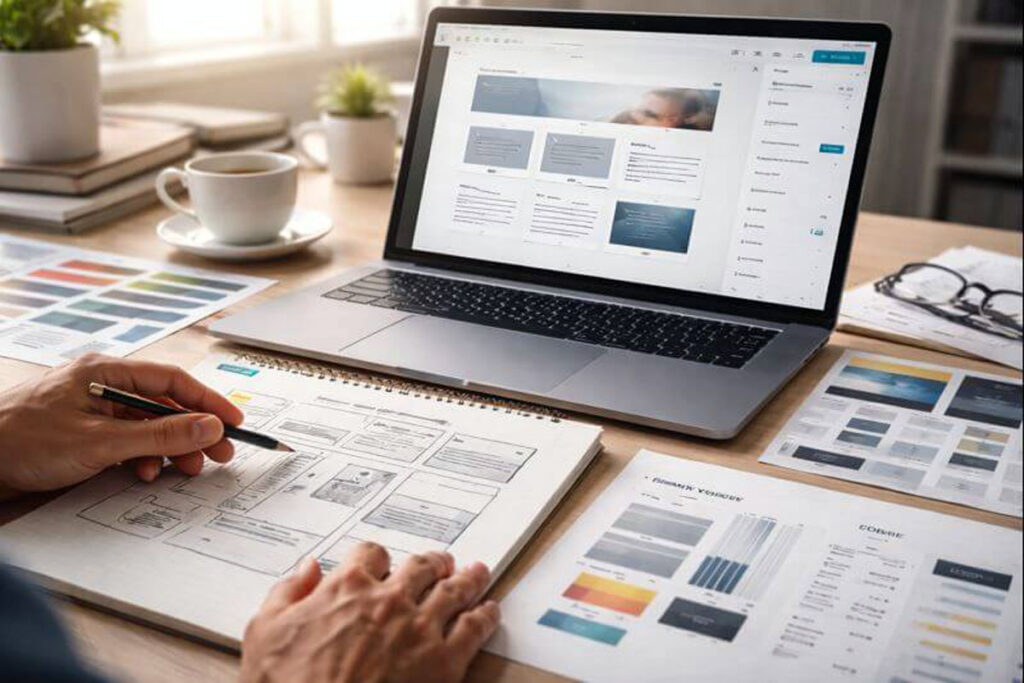
Custom WordPress website design means your site is built around your brand, your content, and your goals—not a one-size-fits-all demo layout.
It usually includes:
- A unique homepage layout (not copied from a theme demo)
- Custom page templates (services, about, blog, contact, landing pages)
- Consistent typography, spacing, colors, and buttons
- Mobile-first layouts that don’t break on small screens
- Clean, editable sections so you can update content without hassle
Plus, it’s still WordPress. You can log in and edit content like normal.
Why go custom instead of using a theme?
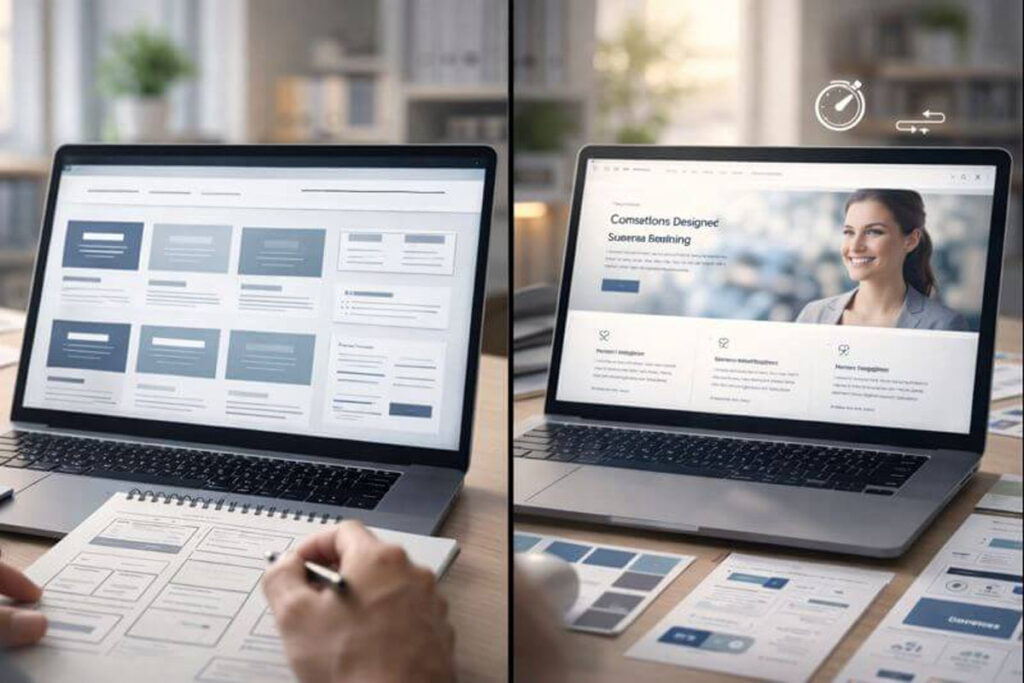
Themes can be fine when you’re starting. However, a lot of businesses outgrow them quickly.
Common theme problems I see
- The site looks like everyone else’s
- Too many built-in features you don’t need (slows things down)
- Layout limitations (you can’t place sections where you want)
- Mobile experience feels “off”
- Blog pages look messy and hard to scan
- Small changes require extra plugins (more conflicts later)
With custom WordPress website design, we build only what you need. No extra baggage.
Benefits of custom WordPress website design
Here’s what you usually get when the site is built around your business:
- Better first impression: People judge fast. A clean layout builds trust.
- More leads and sales: Pages are structured for action, not just visuals.
- Faster performance: Less bloat and fewer heavy features.
- Easier editing: You’ll have reusable sections and clear page structure.
- Stronger SEO foundation: Better UX, cleaner internal linking, better content structure.
- Room to grow: New services, landing pages, and features fit naturally.
Drawbacks (and when custom design isn’t the best fit)
Custom work isn’t always the right move. I’ll be direct about that.
It may not be ideal if:
- You need a site in 24–48 hours
- You’re testing a brand-new idea and want the cheapest option
- You want a “mega theme” with dozens of features you won’t maintain
- Your offer or messaging isn’t clear yet
In those situations, a lightweight theme setup or a smaller redesign can be the smarter first step.
Custom WordPress website design vs. “customizing a WordPress blog”
Both matter, but they’re different jobs.
Custom WordPress website design = full layout + structure + brand system (often a rebuild).
Customize WordPress blog = improving the blog experience without rebuilding everything.
Blog customization can include:
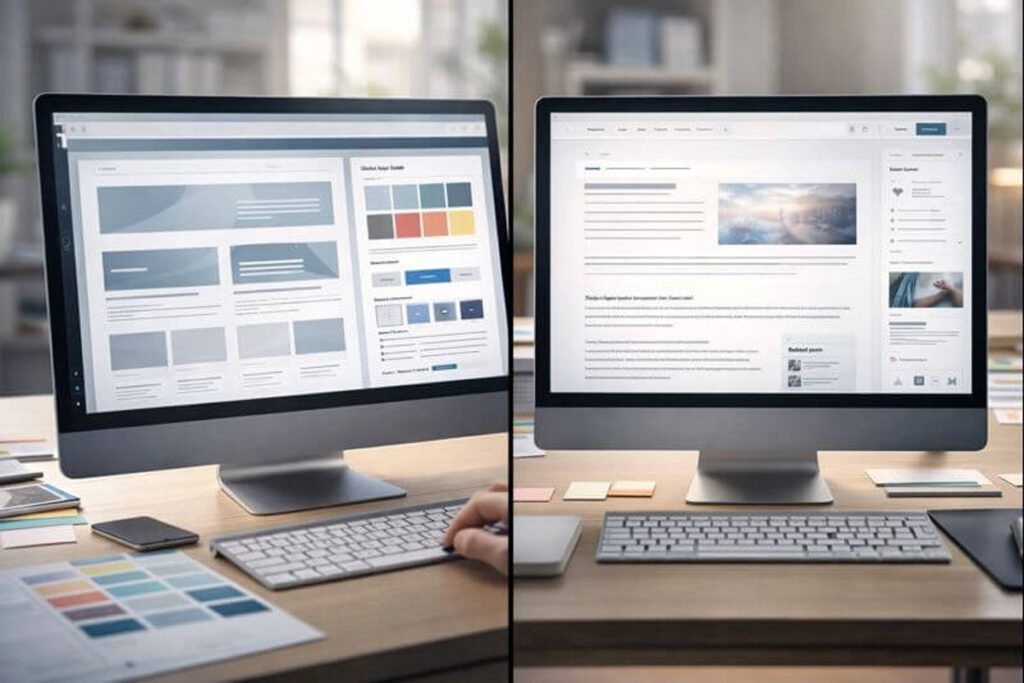
- Cleaner post layout (spacing, headings, featured image placement)
- Better typography for easier reading
- Category + tag cleanup and cleaner archives
- Related posts and internal linking sections
- Author box, updated date, and trust elements (optional)
- Better mobile formatting (line length, spacing, tap targets)
- Speed improvements by removing unnecessary scripts
If your blog is a major traffic source, these upgrades can make a real difference.
What you’ll get
Every project is a bit different, but this is what I typically include:
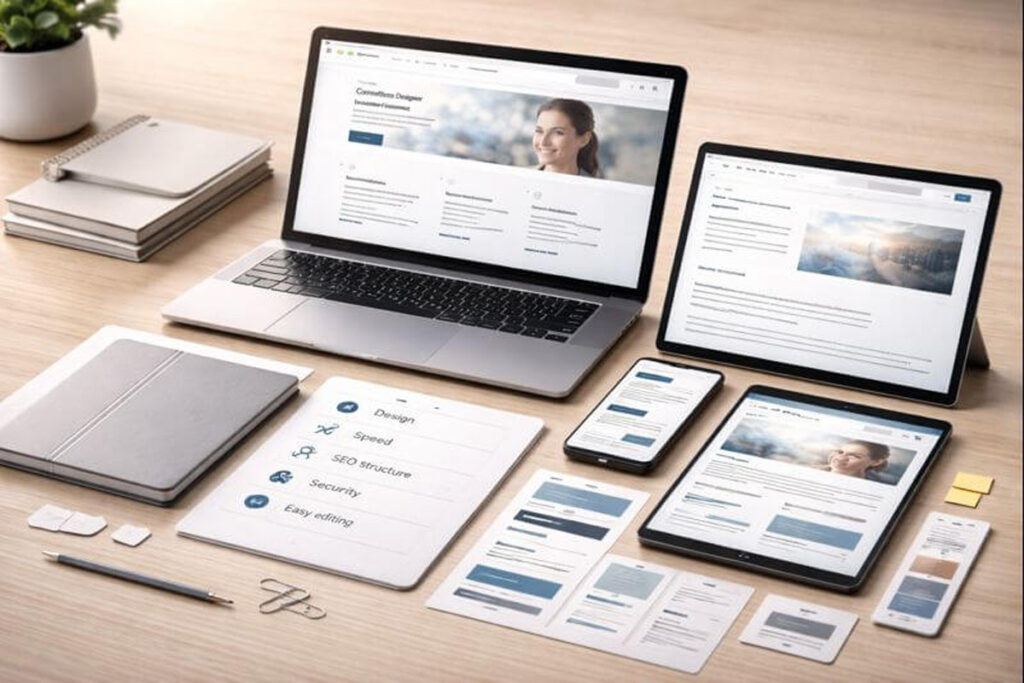
- Custom homepage + core pages (About, Services, Contact, Blog, etc.)
- Mobile-first responsive design
- Global style system (fonts, colors, buttons, spacing rules)
- Conversion-focused layout (clear sections, CTAs, trust signals)
- SEO-friendly structure (headings, internal linking, schema-ready layout)
- Speed and Core Web Vitals improvements (as your hosting allows)
- Basic security and cleanup (remove junk plugins, tighten settings)
- Easy editing experience (Gutenberg blocks or a clean builder setup)
- Post-launch support window (so you’re not left stuck)
My Process
I keep the process structured so the project stays predictable.
1) Quick audit and goal alignment
I review:
- Your current site (or competitor sites you like)
- Your services, your customers, and what “success” means
- What’s staying and what’s changing
Result: a clear plan, page list, and priorities.
2) Content + structure planning
Next, I map out:
- Navigation (what goes in the menu and why)
- Page sections (hero, benefits, proof, FAQs, CTA, etc.)
- Blog layout needs (if content is a big focus)
Result: a layout plan that supports SEO and conversions.
3) Design direction (clean and brand-consistent)
Then I design:
- Colors and typography that match your brand
- Buttons, forms, and consistent section styling
- Reusable layout patterns (so future pages stay consistent)
Result: a design system that looks professional and stays consistent.
4) WordPress build (fast, clean, and editable)
I build the site in WordPress with:
- A lightweight setup
- Only necessary plugins
- Clean block-based sections (or a builder if needed)
Result: a site you can edit without breaking the layout.
5) Speed, responsiveness, and quality checks
Before launch, I check:
- Mobile and tablet layouts
- Form delivery + email routing
- Basic accessibility (contrast, font sizing, tap targets)
- Performance improvements (images, caching, scripts)
Result: fewer issues after launch.
6) Launch + handoff
Finally:
- I migrate or push live safely
- I provide a short handoff guide (so you know where everything is)
- I stay available for fixes during the support window
Result: you’re live and confident using the site.
What I’ll need from you (so we move fast)
To keep things moving, these help a lot:
- Your logo (or I can recommend a simple refresh if needed)
- Brand colors (or 2–3 example sites you like)
- Your service list and service areas
- Any photos you want to use (team, office, projects)
- Access to hosting + WordPress (or I can guide you)
No worries if you don’t have everything. We can start with what you have.
Performance and SEO notes (the practical stuff)
A site can look great and still underperform. Speed and structure matter, so I treat performance as part of the build.
What I focus on:
- Clean theme or custom child theme setup
- Proper image sizing + compression (no giant uploads)
- Fewer plugins, and only stable ones
- Caching setup (based on your host)
- Layout stability (so pages don’t “jump” while loading)
Important: hosting matters. If your server is weak, there’s only so much any designer can squeeze out of it. I’ll tell you clearly what’s fixable and what requires a hosting upgrade.
Recent work example
Below are examples of custom WordPress website design and blog customization projects I’ve done. Add screenshots or before/after images in this section.
Example 1: Food Blog
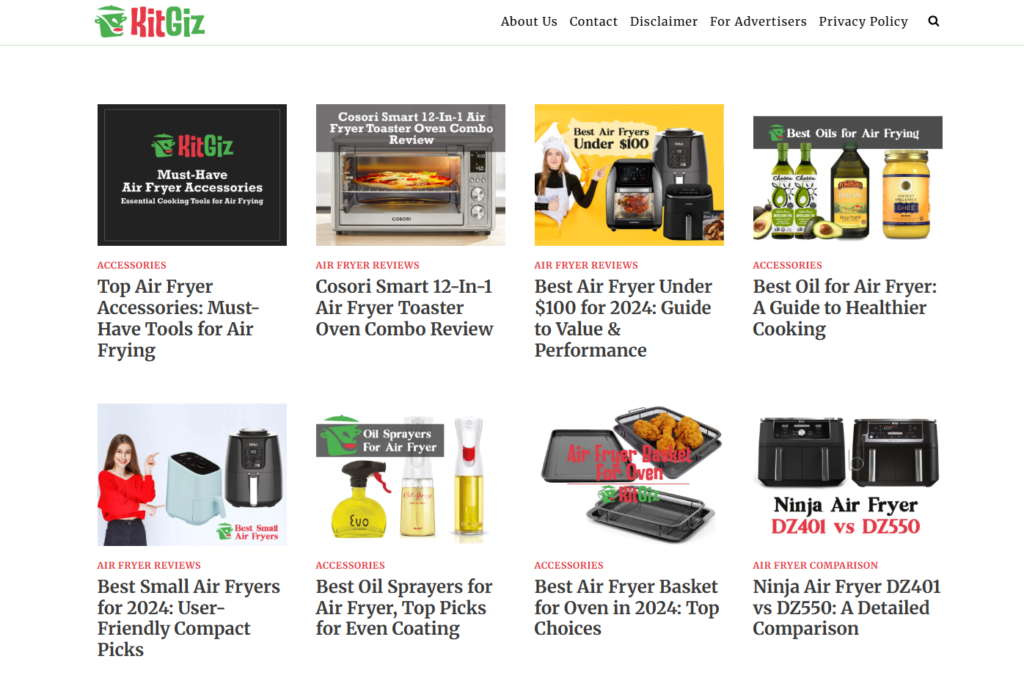
- Goal: cleaner design, clearer structure, better mobile UX
- Work done: homepage rebuild, post template, cleaner navigation, stronger CTAs
Example 2: Outdoor Sports Blog
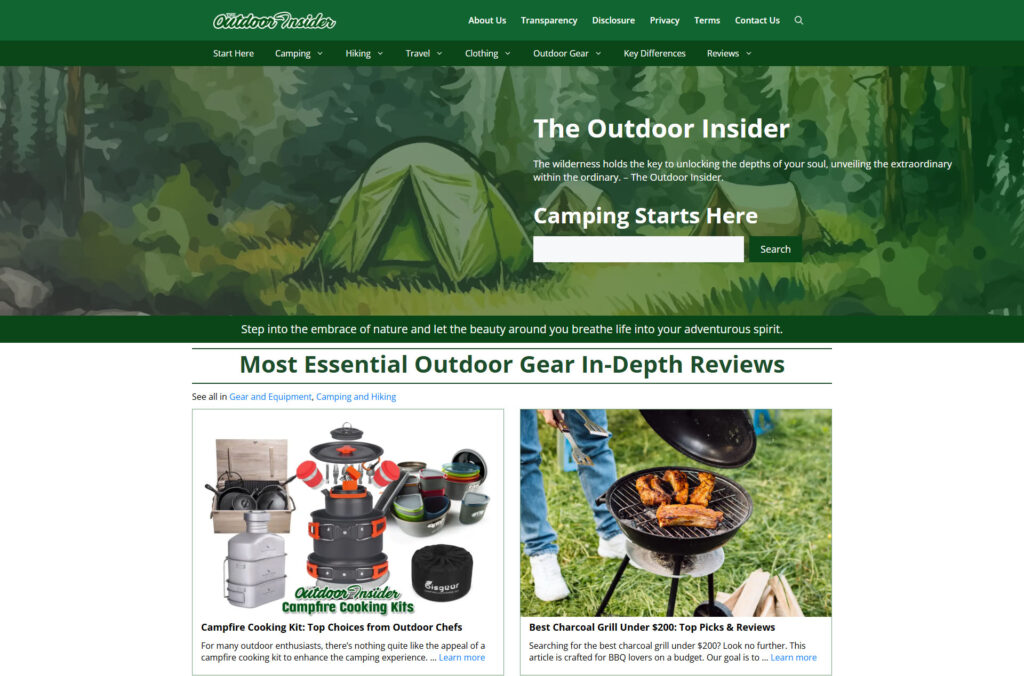
- Goal: easier reading, improved internal linking, better category structure
- Work done: post template redesign, TOC setup, archive cleanup, better typography
What affects pricing (so it’s not a mystery)
Pricing depends on complexity, not buzzwords. Here’s what usually changes the quote:
| Factor | What it means |
|---|---|
| Number of pages | More pages = more design + build time |
| Custom templates | Services, locations, landing pages, blog templates |
| Content help | Using your content vs. restructuring or rewriting |
| Features | Booking, memberships, gated content, multilingual, etc. |
| Speed + cleanup work | Removing bloat, fixing conflicts, optimizing |
If you want, I can review your current site and tell you what level of work makes the most sense.
Frequently Asked Questions

How long does a custom WordPress website design project take?
Most projects take 5–7 days depending on page count, feedback speed, and content readiness. If your content and branding are already prepared, the timeline is usually shorter and smoother.
Can you customize my existing WordPress blog without redesigning the whole site?
Yes. If your main site structure is fine, I can improve blog templates, typography, category structure, and internal linking. This is a practical option when your blog gets traffic but the reading experience needs work.
Will my site be easy to edit after the custom WordPress website design is done?
Yes. I build with a clear structure and reusable sections so you can update text, images, and buttons without touching code. If needed, I’ll also provide a simple handoff guide so you know where everything is.
Do you build custom WordPress website designs using Elementor or Gutenberg?
I can work with both. Gutenberg is usually lighter and easier to maintain long-term. Elementor can be useful for certain layouts. I’ll recommend the best option based on your goals, comfort level, and performance needs.
Will custom WordPress website design help with SEO?
It helps when it improves site structure, mobile usability, speed, and content clarity. However, SEO also depends on your content strategy and competition. I build the site to support SEO, not hold it back.
Ready to upgrade your WordPress site?
If you want a site that looks right, loads fast, and supports your business goals, I can help.
Send me your current site link (or a few competitor examples you like), and tell me what you want the new site to achieve. I’ll suggest the most practical path—full custom WordPress website design or a focused blog customization.